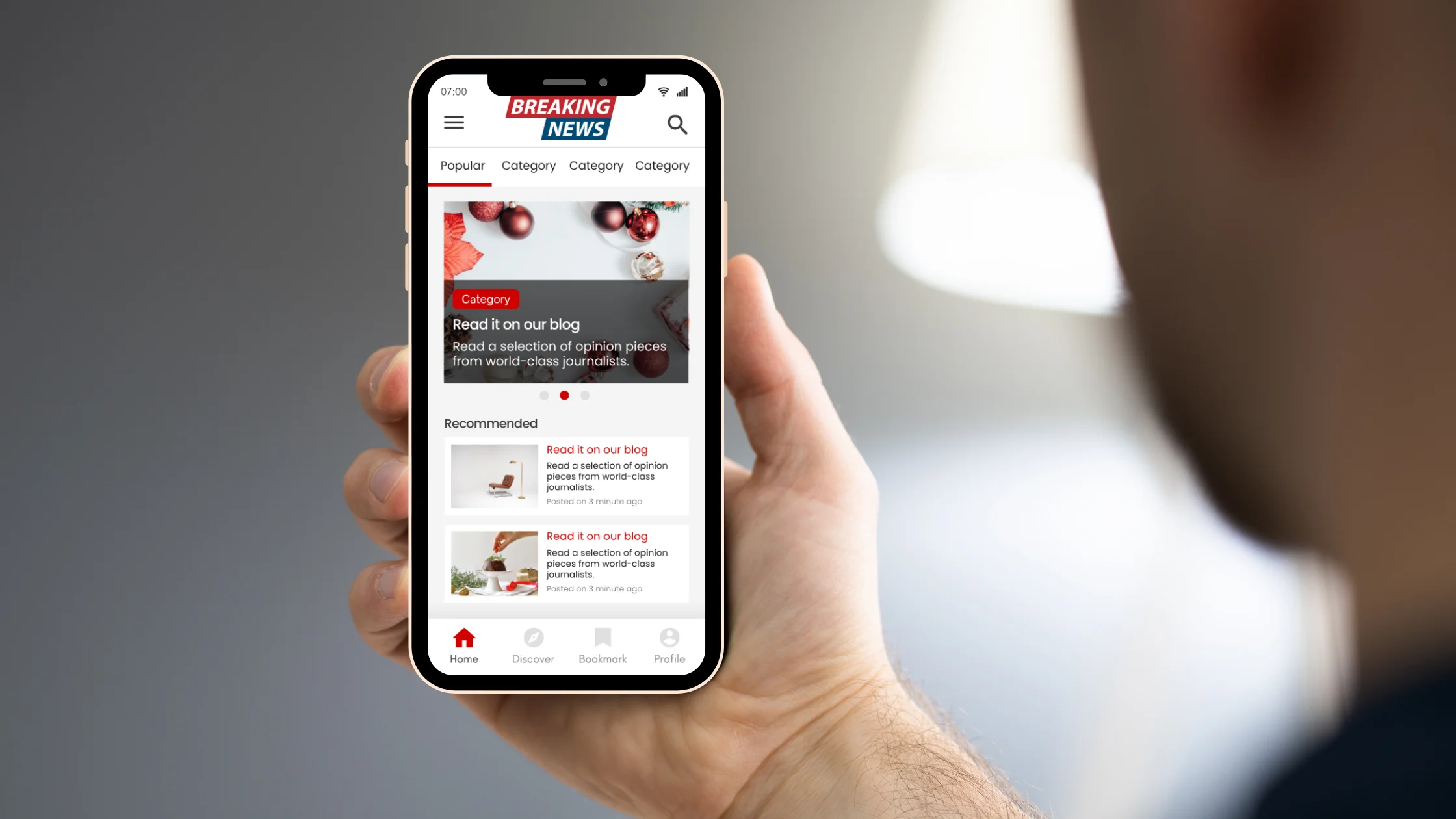

The market of news apps is highly competitive. If users notice that their feeds load slowly or that push notifications arrive an hour late, they will simply switch to a more successful competitor.
When planning the development of a news app, it’s essential to account for the dynamic nature of news. Such a solution must be both fast and reliable.
In this article, you’ll learn about the stages of developing an app of this kind, how long the process takes, and which tools can help you keep the project under control.
What sets news app development projects apart
News apps work in real time. They must report events minutes after they occur — a requirement that depends on things like system stability, fast loading speeds, reliable push-notification delivery, and so on.
Content is just as important. For such projects, the development process includes not only developers and designers, but also editors, who need an intuitive publishing system.
Furthermore, building trust and retaining an audience are of particular importance in projects of this nature. When planning an app, top priority should be given to a carefully crafted user experience.
How to plan a news app development project: key stages
Let’s look at the main components of this process.
1. Define your strategy and audience, and then draft a plan
Vague goals and strategies won’t help you make the right decisions. You need to assemble a team and discuss everything, from A to Z.
Determine who your target reader should be. Talk to potential users and research feedback on your competitors. Complaints about other products serve as a ready-made list of things you can do better.
Next, visualize your plan. It can be a bar diagram or a spreadsheet.
There’s no need to use complex solutions or tools for this. A great approach is to take an existing template and adapt it. For instance, you can start with a Gantt chart template here.
2. Assemble a team
A project for developing a news app usually includes a manager, developers, designers, testers, marketers, and representatives of the editorial team.
In a startup, one person may have multiple roles. This is also the point where you start making decisions about the platform. You can create native apps for iOS and Android, or you can go for a cross-platform solution.
3. Discuss content sources
You can source news from partners, via RSS feeds, from users, or from your own editorial team. Each option comes with its own specific requirements, and many will necessitate moderation.
Assign roles and permissions to all the people who are involved in your project. You need to figure out who will be responsible for posting content, having stuff featured, sending push notifications, etc.
A ready-made source for your feed: NewsData.io
If your editorial team is small, or you want to supplement it, a news API can supply a steady stream of articles without the need to build scrapers or maintain dozens of separate RSS integrations. NewsData.io is one such service. It delivers real-time and historical articles as structured JSON, drawing on tens of thousands of sources across more than 200 countries and a wide range of languages.
For a news app project, this is useful in several ways. Articles can be filtered by keyword, country, language, category, and domain, which maps directly onto the feed, search, filters, and categories from your feature list. Separate endpoints for the latest news, an archive of past articles, and specialized topics such as crypto and market news let you fill your categories without building each pipeline yourself. A free plan allows the team to prototype the feed before committing budget, which fits well with the minimum viable product approach.
As with any external source, it’s worth planning for it in advance. Check the limits of your plan, such as request quotas and how quickly new articles appear, before you rely on it for breaking news. Confirm the terms for displaying the content in your app, and decide who on the editorial team will moderate and feature the incoming stories.
4. Create a list of features
Make a list of features you would like to add in the application. Usually they have a news feed, search, filters, comments, bookmarks, categories, subscriptions, and more.
Separate the “nice-to-haves” from the “must-have” features. Focus on the minimum viable product — a version that solves the reader’s primary need well.
5. Design the user journey
At this stage, the designers’ task is to create screen layouts without colors or images.
These layouts show how a reader should navigate from the news feed to an article, how to find a specific section, and how to configure notifications. Making changes at this stage is inexpensive, so it is a good idea to show these layouts to a few potential users to see where they might get confused.
6. Develop and test
This stage is about breaking the development process into short, one-to-two-week cycles.
At the end of each cycle, review the functional portion of your app. This will allow you to identify issues early, while giving a client or a manager a view of actual progress rather than just percentages in a report.
Editors should start testing their part of the system as soon as possible. They are the ones who are most likely to notice, for example, if the workflow for publishing breaking news is cumbersome and inefficient.
Testing a news app should be more than just looking for bugs. You have to check how it runs on ancient phones and slow internet connections, what happens when tens of thousands of people use it at the same time, etc.
7. Get it up and running
Before going live on the App Store and Google Play, it’s important to prepare descriptions, screenshots, privacy policy, and answers to potential questions.
Track important metrics from day 1. Remember that the launch is not the end of the road; it’s the beginning of a new cycle. Data will tell the team which backlog features to add later and which features to throw away.
What is a typical timeline for planning news app development projects?
A timeline for such a project depends on the feature set, team size, and budget. On average, the development of a news application takes 3–5 months.
A project plan may also incorporate complex analytics, which can extend the timeline by several additional months. Some stages can run in parallel. For instance, a designer may work on subsequent screens while developers are implementing the initial ones.
Timelines can be extended for various reasons, such as expanding the app’s feature list, late involvement of the editorial team, or unclear content requirements. Ideally, all such issues should be addressed during the planning phase.
Online tools for planning news app development projects
Let’s take a look at a set of excellent tools that can assist in the development of a top-notch news app.
GanttPRO
GanttPRO offers a complete set of advanced features for planning and managing development projects. The main feature is an intuitive Gantt chart that lets users schedule projects, track time, allocate funds, and control progress in real time.
GanttPRO’s smart timeline allows you to set task dependencies, determine critical paths, add milestones, and assign deadlines. The platform has strong collaboration capabilities and AI tools. Here you can find ready-made templates.
Plane
Users rely on this system as a lightweight alternative to Jira. It’s especially suited for teams with a technical focus.
Plane makes it easy to organize tasks into modules and cycles. They can be associated with specific parts of your app, like an editorial board, news feed, or notification system. The program has different viewing modes like boards, lists, and calendars. It also has built-in pages for documentation maintenance.
Taiga
This tool is a frequent choice for teams working according to Agile. It helps them to handle sprints, backlogs, schedules, and user stories.
Taiga suggests a user-centric approach that is particularly useful while developing a news application. It has an intuitive interface, making it easy to onboard colleagues from other departments.
Nifty
Nifty is also well suited for planning the development of a news app. The platform centralizes tasks, roadmaps, chat, and documents in one place. You can plot milestones on a timeline that will give you a clear visual of the journey from original idea to launch.
Managers and team members can see the overall progress through different stages and at the same time work on specific tasks in each stage. Nifty also has built-in time tracking and reporting tools.
Other robust platforms include Plaky, Paymo, Breeze, and Redmine.
Make the development process for your news app seamless
In the news app market, the real competition centers on the precious minutes — in the morning, at lunch, or before bed — that a user is willing to dedicate to staying informed.
It means that a sound project plan shouldn’t just focus on the launch date. It should look ahead to the moment when it becomes clear whether a reader has returned.
Devote ample attention to planning the development of your news app. Choose tools that your team will want to open every single day, without needing any reminders. It’s precisely these tools that establish a rhythm that your readers will eventually sense for themselves.

Raghav Sharma is a content writer and media researcher at Newsdata.io, specializing in news industry analysis, media literacy, and the evolving landscape of digital journalism. With a background in English Literature and Journalism, along with a focus on fact-based reporting standards, Raghav covers topics including news API technology, editorial bias evaluation, and responsible information consumption. Raghav’s work has covered media trends across categories, including healthcare news, international journalism, and API-driven publishing. You can connect with him on LinkedIn or explore more of his writing on the Newsdata.io blog.